HDMI 2.1 raises the maximum bandwidth from HDMI 2.0’s 18 Gbps to 48 Gbps. That carries 4K at 120 Hz and 8K at 60 Hz, and HDMI 2.1 is where VRR, ALLM and eARC entered the specification.
You need it for a PS5, an Xbox Series X or a PC sending 4K at 120 Hz. Films, streaming apps and set-top boxes at 4K up to 60 frames per second run on an 18 Gbps port.
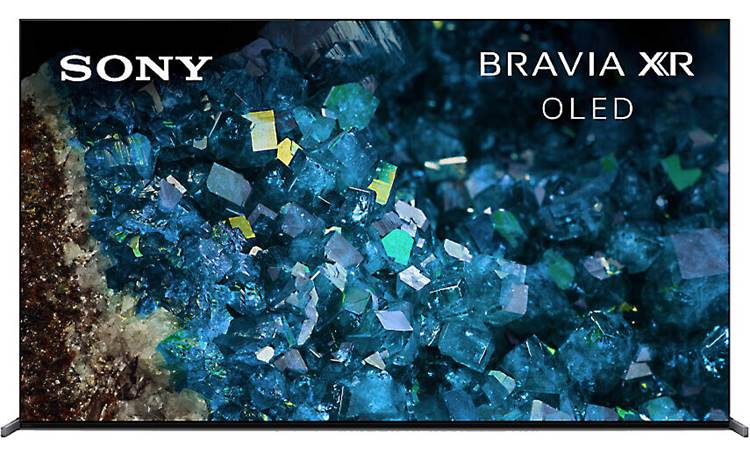
The catch is the TV: on the 2023 to 2025 Sony BRAVIA sets that list 4K 120, only HDMI 3 and HDMI 4 take it.
HDMI 2.0 vs 2.1 side by side
| Feature | HDMI 2.0 | HDMI 2.1 |
|---|---|---|
| Released | September 2013 | November 2017 |
| Maximum bandwidth | 18 Gbps | 48 Gbps |
| Headline video formats | 4K at 60 Hz | 4K at 120 Hz, 8K at 60 Hz |
| VRR, ALLM, QMS, QFT | Not in the spec | Added, optional per device |
| Audio return to a soundbar | ARC (from HDMI 1.4) | eARC |
| Certified cable to match | Premium High Speed, 18 Gbps | Ultra High Speed, 48 Gbps |
Source: HDMI Licensing Administrator cable and eARC pages; Wikipedia, HDMI article. Checked 27 November 2026.
Which HDMI ports actually matter on your TV
Sony publishes a port-by-port table for its Google TV sets. On the 2023, 2024 and 2025 BRAVIA ranges, 4K 100p and 120p appear on HDMI 3 and HDMI 4 only. All four ports take 4K HDR at 24p to 60p.
Sony’s footnote names only the BRAVIA 9, 8 and 7 for 4K 120 in 2024, so the BRAVIA 3 from that year is not listed for it on any port. Other brands list theirs in the manual.
You also have to set that port’s HDMI signal format to Enhanced format, or Sony says the source will not recognise 4K 120.
Video: Audio Advice
Who needs HDMI 2.1 and who does not
PlayStation states that the PS5 supports HDMI 2.1 and 4K 120Hz output. It ties VRR to HDMI 2.1 VRR-compatible TVs and ALLM to TVs with HDMI 2.1.
Xbox lists three requirements for 4K at 120 Hz on a Series X: the console, an Ultra High Speed HDMI cable and an HDMI 2.1 TV. Sony says supported Google TV sets can display 3840 x 2160 at 120 Hz from a computer.
One PC catch: the HDMI Forum does not allow HDMI 2.1 in open-source drivers, so some Linux setups cannot use it and may need DisplayPort instead.
Without a 4K 120 source, an 18 Gbps port covers 4K at up to 60 Hz, and Dolby Vision and HDR10+ do not require HDMI 2.1. Our guide to 4K resolution covers what the 4K label itself promises.
eARC: the 2.1 feature soundbar owners notice
HDMI Licensing says eARC carries audio up to 192 kHz and 24-bit, including uncompressed 5.1 and 7.1, Dolby TrueHD and Dolby Atmos. Plain ARC dates from HDMI 1.4, and our HDMI ARC guide covers setup and fixes.
For private listening instead, Bluetooth headphones on the TV skip HDMI audio altogether.
The “HDMI 2.1” label trap
Every feature in the HDMI specification is optional, and HDMI Licensing considers version numbers an improper way to describe a product.
A TV sold as “HDMI 2.1” can still lack 4K 120, VRR or eARC, so read the per-port feature list in the manual.
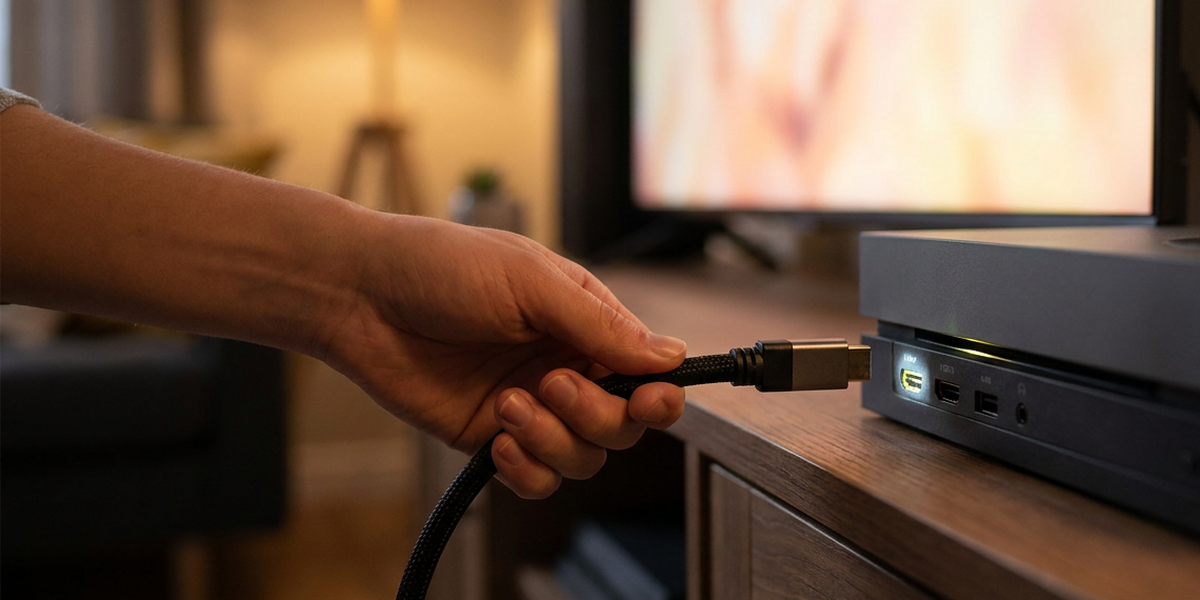
Cables are easier. A certified Ultra High Speed HDMI cable carries a label you can scan with a phone’s QR code app, and the name is printed on the jacket.
HDMI 2.2 (June 2025) adds a 96 Gbps Ultra96 cable, which console 4K 120 does not need.
HDMI 2.0 vs 2.1 FAQ
Will an HDMI 2.1 cable work with an HDMI 2.0 TV?
Yes. Ultra High Speed cables work with older HDMI devices, and older cables still work with HDMI 2.1 devices, though only the new cables carry the full 48 Gbps.
Do I need HDMI 2.1 for 4K HDR films and streaming?
No. Sony lists 4K at 24p to 60p with HDR on every HDMI port of its recent BRAVIA sets, using an 18 Gbps Premium High Speed cable.
Why does my PS5 show 1080p 120 Hz instead of 4K 120 Hz?
PlayStation points to the TV’s 4K 120 support, a cable not rated for it, a receiver in between, or a port that is not HDMI 2.1. On a Sony set, also switch that port to Enhanced format.

Dean Prust was a reporter for Nebula Electronics, before becoming the lead editor. Dean has over fifty bylines and has reported on countless stories concerning all things related to technology. Dean studied at Caltech.