
What Is HDMI ARC and Why Your Soundbar Needs It
HDMI ARC (Audio Return Channel) is a feature built into most HDMI ports on TVs made after 2009 that lets audio travel from the TV back to a soundbar or AV receiver over the same HDMI cable that carries video to the TV. Instead of running a separate optical or RCA audio cable from your TV to your soundbar, a single HDMI cable does both jobs. Your TV remote can also control the volume on your soundbar through a protocol called CEC, so you do not need two remotes. This guide explains how ARC works, how it differs from eARC, and how to set it up in three steps.
How HDMI ARC Works
Standard HDMI cables carry video and audio from a source device (like a Blu-ray player or streaming box) to your TV. The signal flows one direction: source to TV. ARC adds a second audio channel that flows the opposite direction, from the TV back out to an audio device. That return channel is physically embedded in the HDMI 1.4 specification, introduced in 2009, which means any TV or soundbar with an HDMI 1.4 port can support it.
When ARC is active, the TV handles all video processing and passes audio out to the soundbar via the ARC-enabled port. This matters because it means audio from all your TV apps (Netflix, Spotify, smart TV services) goes through your soundbar, not just audio from external sources. A separate optical cable can do this too, but optical does not carry the two-way CEC commands that let your TV remote control soundbar volume.
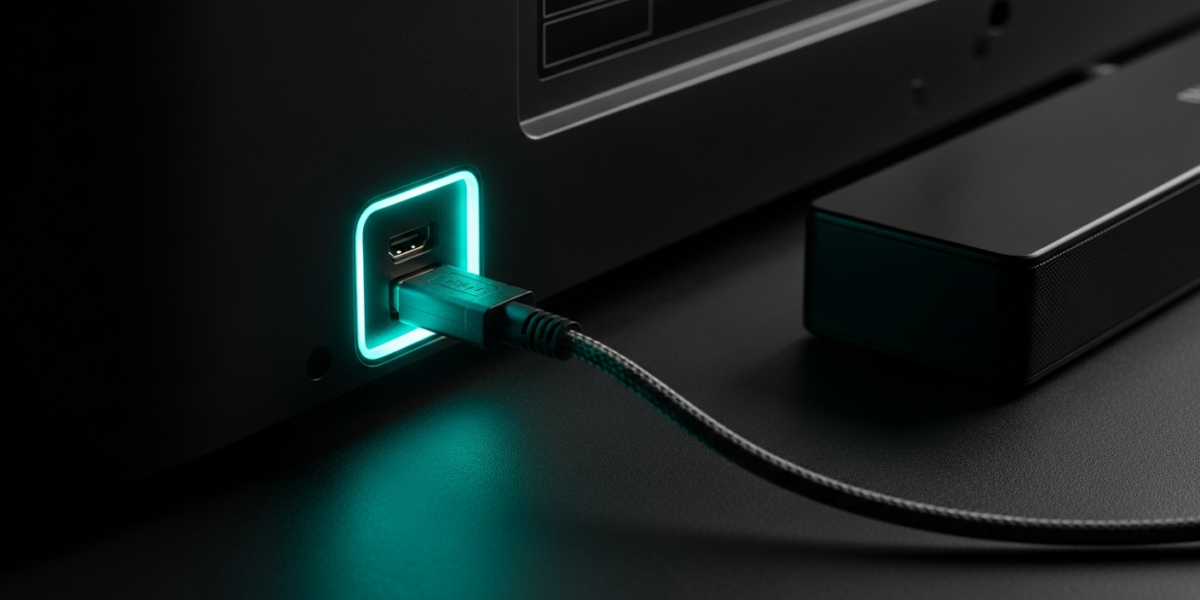
The ARC port on your TV is almost always labeled. Look for an HDMI port marked “ARC” or “HDMI 2 (ARC)” on the back or side of your TV. Connect your soundbar or receiver to that specific port. Using any other HDMI port will not activate the return channel.
HDMI ARC vs eARC: What Changed
HDMI eARC (Enhanced Audio Return Channel) arrived with the HDMI 2.1 specification in 2017 and is now standard on most TVs released from 2019 onward. The core improvement is bandwidth. Standard ARC supports stereo PCM audio and compressed surround formats (Dolby Digital up to 5.1, DTS up to 5.1) at a maximum of about 1 Mbps. eARC supports uncompressed audio including Dolby TrueHD, DTS-HD Master Audio, and Dolby Atmos object-based audio, with a bandwidth ceiling of 37 Mbps.
| Feature | ARC (HDMI 1.4) | eARC (HDMI 2.1) |
|---|---|---|
| Max bandwidth | ~1 Mbps | ~37 Mbps |
| Stereo PCM | Yes | Yes |
| Dolby Digital 5.1 | Yes | Yes |
| Dolby Atmos (compressed) | Limited (Dolby Digital Plus) | Yes (full object audio) |
| Dolby TrueHD / DTS-HD MA | No | Yes |
| Requires HDMI 2.1 cable | No | Yes (for full bandwidth) |
If you have a Dolby Atmos soundbar and a 4K TV made after 2019, use the eARC port to get full object-based audio. If your TV only has ARC ports, you will still get Dolby Atmos via the compressed Dolby Digital Plus format, which most people cannot distinguish from the uncompressed version in real listening conditions.
How to Set Up HDMI ARC in 3 Steps
- Connect the cable. Run a standard HDMI cable (any HDMI cable works for ARC; for eARC you want an 18 Gbps or 48 Gbps rated cable) from the ARC or eARC port on your TV to the HDMI ARC input on your soundbar or receiver. These ports are labeled on both devices.
- Enable CEC on both devices. Go into your TV settings and enable CEC. Sony labels it Bravia Sync; Samsung calls it Anynet+; LG calls it SimpLink; Vizio calls it CEC. On your soundbar or receiver, look for a CEC or HDMI Control setting and turn it on. Both devices must have CEC active for single-remote volume control to work.
- Select the correct audio output on your TV. In your TV audio settings, set the audio output to HDMI ARC or HDMI eARC rather than the TV speakers or optical out. Some TVs do this automatically when they detect an ARC connection; others require a manual selection.
If audio is not coming through the soundbar after setup, the most common cause is mismatched CEC names. Your TV is looking for a CEC signal from the soundbar, and if CEC is disabled on either device, the handshake fails. Power both devices off, confirm CEC is enabled in each menu, then power on the TV before the soundbar.
Common HDMI ARC Problems and Fixes
No audio through the soundbar is usually a wrong port or CEC not enabled. Verify you used the labeled ARC port and check both CEC settings as described above.
Audio sync issues (video ahead of audio by a fraction of a second) occur when the TV and soundbar disagree on audio delay. Look for a lip sync or audio delay adjustment in your TV audio settings and add 20 to 40 ms of delay until sync corrects itself.
The soundbar volume not responding to the TV remote is a CEC problem. Double-check that CEC is enabled under its manufacturer-specific name on both devices. If it still fails, check whether your TV firmware is current: some early CEC implementations had bugs patched in updates.
Intermittent audio dropout on ARC can sometimes be resolved by switching from Dolby Digital to PCM stereo output in the TV audio settings. Some soundbars have poor Dolby Digital decoding over ARC but work perfectly with a PCM signal. You lose surround channels but gain reliability.
Does Your TV Remote Really Control the Soundbar Volume
Yes, when CEC is working correctly. The TV remote sends a CEC volume command over the HDMI connection to the soundbar, and the soundbar responds. You do not need to program a universal remote or set up any additional equipment. The TV speakers typically mute automatically when ARC is active, so pressing volume up on your TV remote raises soundbar volume instead.
This setup also works with smart TV apps. When you open Netflix on your TV and play something, the audio routes through your soundbar automatically without you pressing anything on the soundbar. If your TV is connected to your WiFi for streaming, see our guide on how to connect a TV to WiFi for setup and band selection advice. If you are setting up Bluetooth headphones alongside your soundbar, our guide to connecting Bluetooth headphones to any TV covers the pairing steps and audio sync fixes. For WiFi range and signal quality near your TV, the WiFi range extension guide covers placement and hardware options.
FAQ
What does ARC stand for in HDMI ARC?
ARC stands for Audio Return Channel. It describes the return path in the HDMI cable that carries audio from the TV back out to a connected soundbar or receiver, in the opposite direction from the video signal.
Do I need a special HDMI cable for ARC?
No. Any standard HDMI cable supports ARC. For eARC, use a cable rated for 18 Gbps or higher (HDMI 2.0 or 2.1 specification) to ensure it can carry the full eARC bandwidth. The standard cables bundled with most TVs and soundbars are sufficient for regular ARC.
Can I use HDMI ARC with an older soundbar?
Only if the soundbar has an HDMI ARC input port. Many soundbars sold before 2012 have optical and RCA inputs but no HDMI. In that case, use the optical output from your TV to the soundbar. You lose CEC single-remote control, but audio quality is equivalent for Dolby Digital 5.1 content.
What is the difference between HDMI ARC and optical audio?
An optical cable carries the same compressed audio formats as ARC (Dolby Digital 5.1, DTS 5.1, stereo PCM) but cannot carry CEC control signals. You will need a separate remote or soundbar remote for volume. eARC surpasses optical significantly by supporting lossless and object-based audio that optical cannot carry.

Dean Prust was a reporter for Nebula Electronics, before becoming the lead editor. Dean has over fifty bylines and has reported on countless stories concerning all things related to technology. Dean studied at Caltech.