
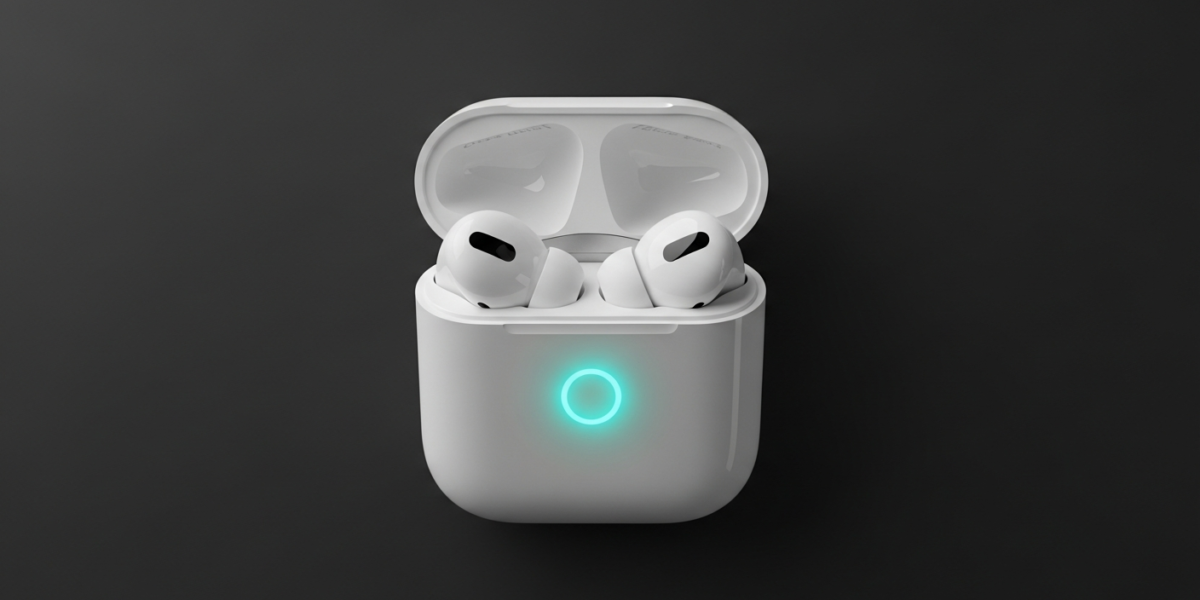
Apple rates AirPods at about 4 to 8 hours of listening per charge, depending on the model, and 20 to 30 hours in total with the charging case. AirPods Max are rated at 20 hours. Those are Apple’s lab figures; your own runtime is shorter when Noise Cancellation, Spatial Audio, or loud playback are in use.
AirPods battery life by model
The figures below come from Apple’s AirPods compare page (checked 18 November 2026). Apple’s test plays a fixed playlist at 50% volume and counts the time until the first earbud stops, so the weaker earbud sets the number.
| Model | Per charge | With case |
|---|---|---|
| AirPods Pro 3 | Up to 8 hours with ANC (7.5 with Spatial Audio and head tracking) | Up to 24 hours with ANC |
| AirPods Pro 2 | Up to 6 hours (5.5 with Spatial Audio and head tracking) | Up to 30 hours |
| AirPods 4 | Up to 5 hours (4 with ANC on, on the ANC model) | Up to 30 hours (20 with ANC on) |
| AirPods (3rd generation) | Up to 6 hours (5 with Spatial Audio) | Up to 30 hours |
| AirPods (2nd generation) | Up to 5 hours | More than 24 hours |
| AirPods Max | Up to 20 hours with ANC | No battery in the Smart Case |
Apple’s compare page now lists newer models too, including AirPods 5 and AirPods Max 2. Check Apple’s compare page for their current figures.
To find your model, open Settings, Bluetooth, and tap the “i” next to your AirPods on an iPhone.
What cuts AirPods battery life
Apple’s own numbers show the cost of two features. Spatial Audio with head tracking takes about 30 minutes off the Pro 2 (6 to 5.5 hours) and off the Pro 3 (8 to 7.5 hours).
Active Noise Cancellation costs more on the AirPods 4: 5 hours drops to 4 when it is on. On the ANC model, case total falls from 30 hours to 20.
Volume matters too, because Apple tests at 50%. Listening much louder drains the cells faster, though Apple does not publish a figure for it.
Automatic Ear Detection is the other setting worth checking. With it off, audio keeps playing through earbuds you have left on a desk until you pause it.
How to check your AirPods battery level
Open the case near an iPhone with the AirPods inside, and a card shows the earbuds and the case. You can also ask Siri for your AirPods battery.
The Batteries widget on the iPhone Home Screen or Today View shows the same levels. On a Mac, System Settings, Bluetooth lists the battery next to a connected pair.
How long an AirPods battery lasts before it wears out
AirPods use lithium-ion cells, and every cell loses capacity with use. There is no single month count that applies to everyone, because it depends on how often you drain and charge them, how hot they get, and how loud you listen.
The signs are practical: a charge that used to cover a commute now does not, or one earbud dies well before the other. The two earbuds have separate batteries, so heavier use of one side ages it faster.
Apple’s warranty does not cover batteries that wear down from normal use. Under AppleCare, Apple replaces the battery at no extra charge if capacity drops below 80% (Apple AirPods service page, checked 18 November 2026).
Out of warranty, the fee depends on the model and country. Apple’s service page shows the current estimate once you pick yours.
Make the battery last longer
- Turn Spatial Audio off when you are just listening to music. Apple’s figures put the saving at about 30 minutes per charge on the Pro models.
- Use ANC only when you need it, particularly on AirPods 4 where it costs an hour per charge.
- Keep AirPods out of heat, such as a parked car, because heat is hard on lithium-ion cells.
- Put AirPods back in the case when you are done so the earbuds charge from it and nothing keeps the radios awake.
The sealed cells are not user-replaceable. If you want a battery you can swap yourself, look at how an AirTag battery is replaced, which uses a CR2032 coin cell and no tools.
Repair or replace
Compare the service fee on Apple’s page against the price of a new pair of the same model. If the fee for both earbuds comes close to a new set, replacing makes more sense, especially if the AirPods are several generations old.
AppleCare changes this, since a battery below 80% is covered. Check your coverage status in Apple’s service tools before you pay for anything.
If you also use headphones with a TV, the Bluetooth headphones to TV guide covers pairing and lip-sync, and the pairing guide covers other devices.
Frequently asked questions
Why do my AirPods die so fast compared to when they were new?
Lithium-ion cells lose capacity with use, and heat, loud volume, and frequent full drains speed that up. If a charge that used to last a commute no longer does, the battery is worn. Under AppleCare, Apple replaces it free once capacity is below 80%.
Can I replace AirPods batteries myself?
No. The batteries are sealed inside the earbuds and are not user-replaceable, so battery service goes through Apple or a service provider. Apple’s AirPods service page shows the current estimate for your model.
Why does one AirPod die faster than the other?
Each earbud has its own battery. If you use one side more often, for calls or mono audio, it ages faster. Apple’s own ratings also count only until the first earbud stops.
Do AirPods drain battery when stored in the case?
Earbuds in the case charge from it rather than drain. The case itself loses charge slowly over time, and Apple does not publish a standby figure for it.

Dean Prust was a reporter for Nebula Electronics, before becoming the lead editor. Dean has over fifty bylines and has reported on countless stories concerning all things related to technology. Dean studied at Caltech.