
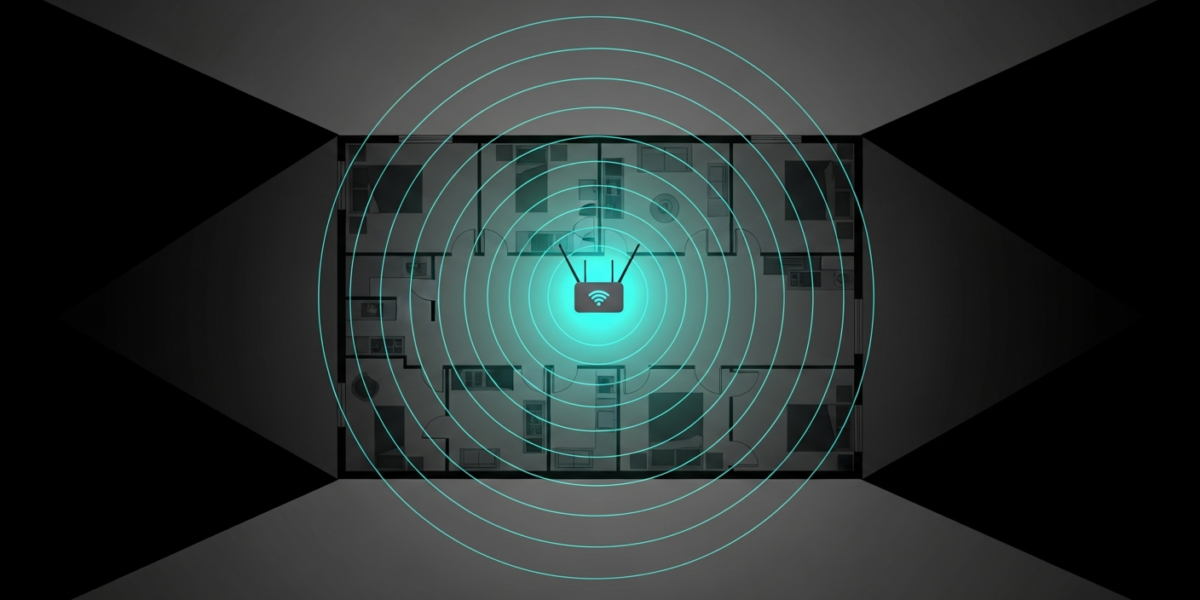
How to Extend Your WiFi Range to Every Corner of Your Home
The fastest way to extend your WiFi range is to move your router to a central location first. That single change often doubles usable coverage at no cost. If repositioning is not enough, a mesh WiFi system eliminates dead zones permanently, a WiFi range extender adds coverage in a specific room for around $30, and a powerline adapter gives you a wired-speed connection anywhere you have an electrical outlet. This guide covers each option with clear criteria for which one fits your situation.
Why Your WiFi Signal Drops Off
A standard 802.11ac (WiFi 5) router broadcasts roughly 1,500 sq ft of usable coverage on 5 GHz and up to 3,000 sq ft on 2.4 GHz, under ideal conditions. Real homes cut that down fast. Every wall the signal passes through costs you 3 to 15 dB of signal strength depending on material: wood-frame drywall takes about 3 dB, brick or concrete takes 10 to 15 dB, and floor-to-ceiling tile can block 5 GHz almost entirely. A router sitting in a corner or tucked inside a media cabinet loses 30 to 40 percent of its effective range before the signal ever reaches open air.
The 2.4 GHz band travels farther and penetrates walls better than 5 GHz, but it shares spectrum with microwaves, baby monitors, and most of your neighbors’ routers. Understanding dual-band routers and which band to use for each device type is the foundation before you add any hardware. If congestion is your main issue rather than range, changing your WiFi channel to a non-overlapping option (1, 6, or 11 on 2.4 GHz) often resolves it without spending anything.
Fix 1: Reposition Your Router (Free)
Place your router as close to the geometric center of your home as the coaxial or ethernet cable run allows. Elevate it to shelf or desk height rather than floor level. Keep it away from metal objects, large appliances, and aquariums. These adjustments alone can increase your effective range by 20 to 40 percent.
On a router with external antennas, point one antenna straight up and one horizontally at 45 degrees. This creates a broader 3D radiation pattern and reduces blind spots on different floors.
Fix 2: Add a WiFi Range Extender ($25 to $80)
A range extender connects to your existing router wirelessly and rebroadcasts the signal into a new area. Place it halfway between your router and the dead zone, not inside the dead zone itself. If you put it where coverage is already weak, it rebroadcasts a weak signal and adds little.
The main limitation is bandwidth. Most extenders use half of their radio capacity to talk back to your router and the other half to serve your devices, which cuts throughput by roughly 50 percent. For light browsing and smart home devices, this is usually fine. For 4K streaming or gaming in the extended zone, this half-speed cap will frustrate you.
Extenders also create a separate SSID unless you manually name it identically to your main network. Devices do not always roam automatically, so your phone may stay on the weak main network instead of switching to the closer extender signal.
Fix 3: Mesh WiFi System ($100 to $400)
A mesh system replaces your router with two or three coordinated nodes that share the same SSID and hand devices off without interruption as you move through the house. Unlike extenders, mesh nodes communicate over a dedicated backhaul connection, so you do not lose half your bandwidth in transit.
Entry-level mesh kits from TP-Link Deco, Eero, or Google Nest cover 3,000 to 5,500 sq ft depending on kit size. A two-node Eero 6 covers around 3,000 sq ft at WiFi 6 speeds. Three-node TP-Link Deco XE75 Pro covers up to 7,500 sq ft. Wired backhaul between nodes is the highest-performance option: throughput stays near full router speed across all nodes.
Mesh is the right choice if your home is over 2,500 sq ft, has two or more floors, or has concrete or brick construction.
Fix 4: Powerline Adapters ($40 to $100)
Powerline adapters turn your home’s electrical wiring into a network cable. You plug one adapter into a wall outlet near your router and connect it via ethernet, then plug the second adapter into any outlet in the room you need coverage and connect it to a device or a secondary access point. No new cabling, no WiFi backhaul penalty.
Performance depends heavily on your home’s wiring. Modern homes with clean electrical runs on the same circuit can see 200 to 500 Mbps throughput on AV2 1200 or AV2 2000 adapters. Older homes or homes with aluminum wiring may see 40 to 80 Mbps. Test before committing: most manufacturers sell returnable starter kits.
Fix 5: Run Ethernet and Add an Access Point ($15 to $60)
A flat ethernet cable routed along baseboards or through walls to a secondary router set to AP mode gives you full-speed WiFi in any room at zero backhaul penalty. A $15 spool of Cat6 and a $40 access point outperform any $200 mesh kit for coverage in a single room. The tradeoff is installation effort. If your home has an attic or basement for routing cable, it is usually a manageable weekend project.
Which Fix Is Right for Your Home
| Situation | Best Fix | Approx. Cost |
|---|---|---|
| Router in a corner or cabinet | Reposition first | Free |
| One dead zone, light use | Range extender | $25 to $50 |
| Multi-story home, 20+ devices | Mesh WiFi system | $100 to $300 |
| Thick walls, powerline-viable wiring | Powerline adapter + AP | $60 to $120 |
| Permanent install, max performance | Ethernet run + access point | $50 to $150 |
Common Mistakes That Make Range Worse
Placing an extender too far from the router is the most common error. If your phone shows two bars near the extender, it is catching a signal too weak to rebroadcast effectively. Move it closer to the router until you get four bars, then test coverage toward the dead zone.
Stacking multiple extenders in series compounds the 50-percent throughput penalty with every hop. Two extenders in a chain and you are down to 25 percent of your original bandwidth. Use a mesh system or wired backhaul instead.
Also check your modem vs router setup before buying hardware. If your ISP-supplied combo unit is underpowered or overheating, replacing it with a separate modem and router often solves range problems that extenders cannot.
FAQ
Does a WiFi extender slow down internet speed?
Yes, most extenders reduce throughput by roughly 50 percent in the extended zone because they use half their radio to talk back to the router. Wired solutions like powerline adapters or ethernet plus access point have no throughput loss.
How far can a WiFi signal reach?
In open air, 802.11ac (WiFi 5) reaches 300 to 400 feet on 2.4 GHz and 150 feet on 5 GHz. Inside a typical home with drywall construction, usable 5 GHz coverage drops to 50 to 100 feet from the router. Concrete and brick cut that further.
Will a mesh system work with my existing modem?
Yes. Connect the primary mesh node to your modem via ethernet, exactly as you would any router. If you have a combo modem-router from your ISP, put it in bridge mode first to avoid double-NAT and routing conflicts.
Is WiFi 6E worth it for extending range?
Not for range. WiFi 6E adds a 6 GHz band that has shorter range than 5 GHz. Its advantage is lower congestion and faster speeds for nearby devices. Pick your extension solution based on home layout and wiring, not the WiFi generation on the box.

Dean Prust was a reporter for Nebula Electronics, before becoming the lead editor. Dean has over fifty bylines and has reported on countless stories concerning all things related to technology. Dean studied at Caltech.