What was the Nebula DigiTV, and which models existed?
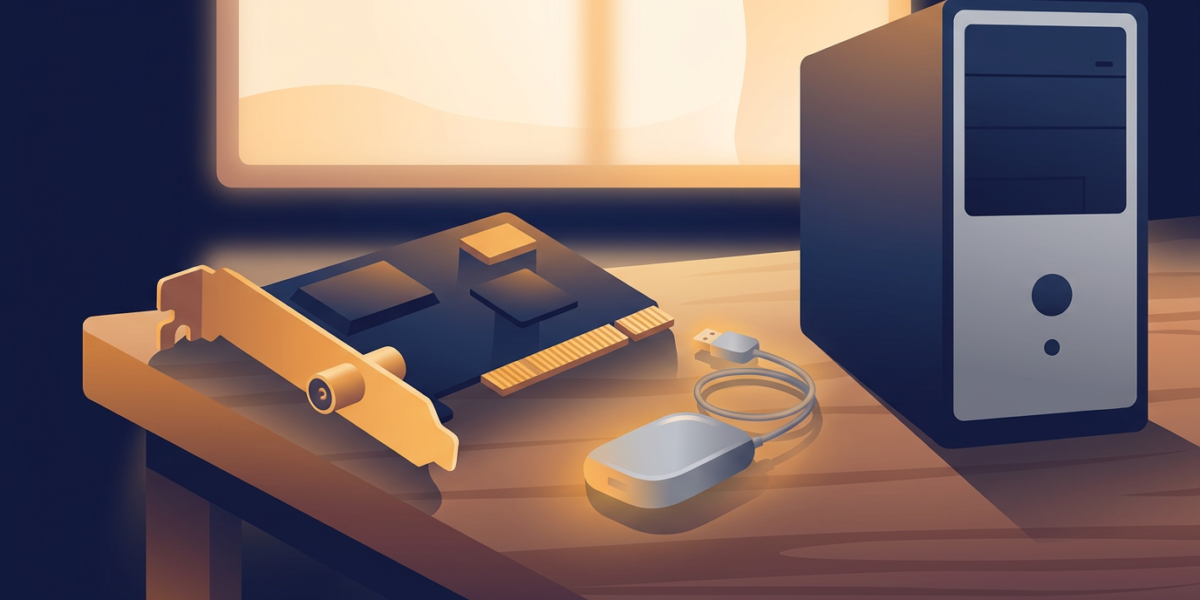
Nebula DigiTV was a family of DVB-T tuners for Windows PCs, made by Nebula Electronics Ltd, the UK company that made DigiTV. The archived December 2007 range page lists three: a half-height PCI card, a USB master unit and a USB slave unit. All three tune digital terrestrial TV only, so none of them can receive Freeview HD, which uses DVB-T2.
This guide is an independent write-up built from archived pages of the original maker’s site and a few outside sources. It hosts no drivers or software, and nobody here sells or supports the hardware.
| Model | Form | What the archived range page says |
|---|---|---|
| PCI master | Half-height PCI card (product page) | “With analogue video input”, remote control included |
| USB master | External unit (product page) | For a PC or laptop, “No external power supply required”, remote control included |
| USB slave | External unit | “Slave Digital TV tuner for use with either the PCI or USB tuners above”; can run alone with a BDA application and the maker’s BDA drivers |
An older listing, “Digital Television – USB version”, is marked Out of Stock with the stock status Discontinued.
The archived help pages give the hardware numbers. The PCI card measures 120mm x 64.5mm. The USB unit measures 119mm x 86mm x 28mm and draws 2.5W at most.
Both specification pages list Windows 2000, XP and MCE as the supported systems and DirectX 7 or later, and state that Windows 98se and ME are not supported. They recommend a 1GHz PC for standard definition and a 2.8GHz Pentium 4 for HD where it is transmitted, with Australia given as the example.
What came in the box with a DigiTV tuner?
The PCI card shipped with a remote control kit: a receiver, two AA batteries and the remote itself, per the “What you get in the pack” help page. The receiver plugs into a 2.5mm stereo jack on the card, and a yellow phono socket takes composite video from a camera or games console, as the “DigiTV for your PC” page explains.
Both the PCI and USB hardware take a standard UHF aerial lead and pass the signal through, so the same aerial can feed a normal TV. The PCI specification lists the analogue input as “PAL, 1V p-p”.
The USB units install in a different order. The USB master instructions have you run the software installer from the CD first, then connect the aerial to the left-hand tuner socket and the USB lead to a free USB 2.0 port. The slave instructions mention a supplied 1m aerial lead for chaining it to another DigiTV unit’s pass-through.
Setup screens and driver prompts are covered in the DigiTV software guide.
Why can a DVB-T tuner not receive Freeview HD?
UK Freeview HD is broadcast as DVB-T2 with MPEG-4 video, and DigiTV hardware tunes DVB-T. Wikipedia’s Freeview article states that DVB-T2 “is incompatible with DVB-T, and can only be received using compatible reception equipment”. It dates the Freeview HD technical launch to 2 December 2009.
Ofcom chose DVB-T2 and MPEG-4 as the HD format on 3 April 2008, a few months after the archived range page was captured. A 2012 tuner page from the sister company that took over DigiTV describes both units as containing “a single, high-sensitivity DVB-t tuner”.
It adds that tuners capable of DVB-T2 reception “will arrive” later. I found no source showing that such a tuner shipped.
The “HD” in the DigiTV-HD application name is a separate matter. The archived downloads page says the suffix marks support for H.264 video and AC3 or AAC audio on HD broadcasts. That is software decoding of whatever a DVB-T transmitter sends, and in the UK that does not include the HD channels.
Can a DigiTV still receive Freeview standard definition?
Possibly, but no source I found confirms it for a DigiTV on today’s transmitters. Wikipedia treats standard-definition Freeview and Freeview HD as separate services, with HD on the DVB-T2 multiplex known as PSB3. Nothing I read says standard-definition DVB-T has been switched off.
Whether a particular card locks onto your local transmitter is undocumented. Check what your transmitter carries with Freeview’s channel checker before spending time on old hardware.
One date is settled. UK analogue switch-off finished on 24 October 2012, per the same Wikipedia article, which matches the 2012 deadline quoted on the old DigiTV overview page.
Outside the UK, the 2012 tuner page says the hardware receives Freeview “or similar systems broadcast around the world (with the exception of the USA)”. Local standards still decide the result.
Can you use a DigiTV with software other than the DigiTV application?
Yes, through separate BDA drivers, and with a catch. The archived release notes for the PCI BDA drivers (v1.111) and the USB BDA drivers (v0.504) both say they are for third-party software only and “will not work with the current version of the DigiTV application software”.
The USB notes add that those drivers cover both the master and slave units. The PCI notes say they work with all versions of the DigiTV PCI hardware. Driver versions, dates and operating systems are laid out in the DigiTV driver guide.
Going the other way, the downloads page says that from version 3.7 the DigiTV application supports “fully BDA-compatible 3rd-Party Digital TV tuners”. The March 2009 homepage lists Hauppauge Nova and Nova-T, AVerMedia, MSI, Pinnacle, Leadtek, Freecom and Terratec tuners as supported.
Linux has in-tree driver code for both models. The kernel source contains a driver for the “Nebula Electronics uDigiTV DVB-T USB2.0”, and the bt8xx driver includes a DigiTV PCI entry.
That second file also shows two board generations. Its comments say the card marked (c)2003 on a high-profile PCI board has an nxt6000 demodulator, and the card marked (c)2005 on a low-profile board has an mt352. One owner’s personal hardware page reports the PCI card working under Linux kernels from 2.6.12 while calling the Windows software “a bit flakey”.
Who made DigiTV, and what happened to the company?
An archived notice dated 6 December 2007 says Nebula Electronics Ltd was “to be wound-up as a trading company” after year-on-year losses.
The brand was to continue as a trading name of Nebula Media Solutions Ltd, which would become the primary distributor of the DigiTV range and honour existing orders and warranties. A copy of the same notice captured in September 2008 is worded more strongly: it says DigiTV “will no longer be manufactured” under Nebula Electronics Ltd and that Nebula Media Solutions Ltd had “taken over as prime manufacturer”.
The product did not stop there. According to Wikipedia’s Nebula Electronics article, the old company was dissolved in June 2009 and the DigiTV software was re-released in December 2010 with Windows 7 support. The article cites the London Gazette and Companies House; I could not open the Gazette notice text, so treat those dates as Wikipedia’s claim.
An archived January 2012 page from Nebula Media Solutions sells DigiTV v4 and says it is designed for Windows 7. Release history is in the version history guide.
What should you use instead of a DigiTV today?
If your goal is to watch Freeview on a Windows 10 or 11 PC, buy a current DVB-T2 tuner. A DigiTV cannot show HD, and nothing I found documents driver support for either Windows version. The guide to watching Freeview on a PC covers tuners and software that work.
Keep a DigiTV in service only if you already own one and have a Windows XP or Vista machine, or a Linux box, where it was known to work. For the pay-TV side of the original product, see the TopUp TV guide.
Nebula DigiTV questions
Is the Nebula DigiTV a DVB-T2 tuner?
No. The 2012 page from the sister company describes a single DVB-t tuner in each unit, and UK Freeview HD uses DVB-T2, which DVB-T equipment cannot receive.
Does the DigiTV PCI card have an analogue input?
Yes. The archived range page lists “With analogue video input”, and the PCI specification page gives a PAL input at 1V peak to peak. The USB specification page lists no analogue input.
What is the difference between the DigiTV USB master and slave?
The slave is an extra tuner. The range page says it works with either the PCI or USB tuners, or on its own with a BDA application and the BDA drivers.
Can you run a DigiTV USB tuner from a laptop?
Usually, with one power caveat. The USB specification page says the unit needs 500mA from the port, and that a small minority of laptops share that amount across all connected devices. In that case you unplug other devices or use a powered hub.
Does the DigiTV work on Windows 10 or 11?
It is undocumented. The archived downloads page lists drivers for XP and Vista only, and I found no source reporting a working install on Windows 10 or 11. See the driver guide for what is known.

Dean Prust was a reporter for Nebula Electronics, before becoming the lead editor. Dean has over fifty bylines and has reported on countless stories concerning all things related to technology. Dean studied at Caltech.