Ethernet vs WiFi: Which Connection Is Actually Better
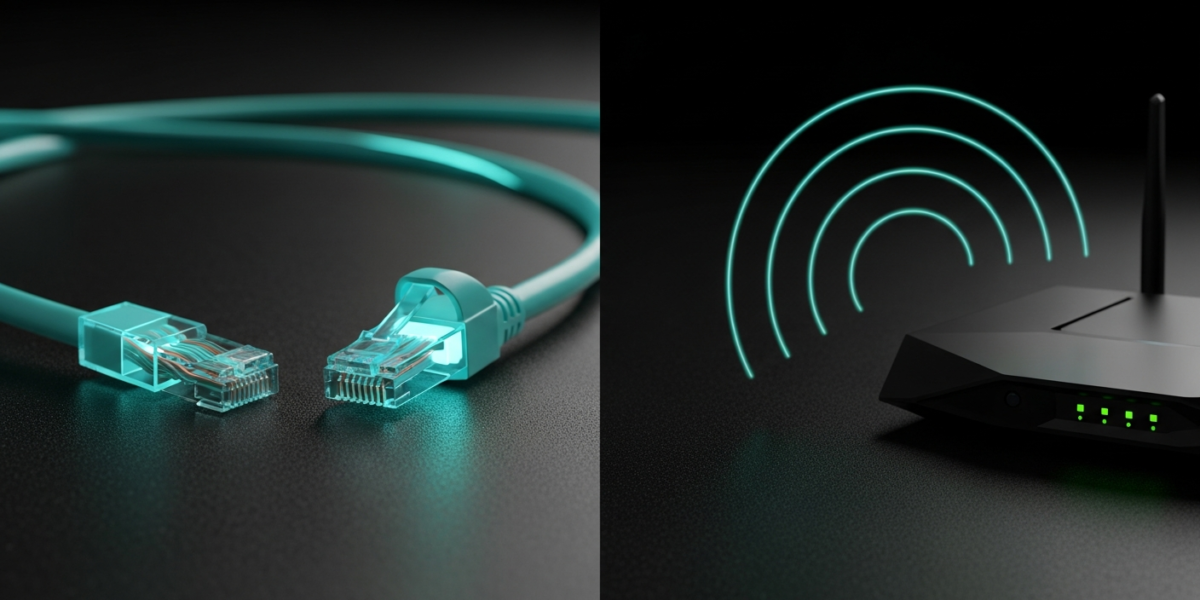
Ethernet is faster, lower-latency, and more reliable than WiFi in every direct comparison. A Cat6 ethernet cable delivers a stable 1 Gbps connection with ping under 1ms and zero interference. WiFi on the same router peaks at 600 to 1,200 Mbps under ideal conditions but drops to 100 to 300 Mbps in a typical room, with 5 to 30ms of latency and susceptibility to walls, other networks, and physical obstacles. The practical question is not which is technically superior, but which one to use for each device and use case in your home.
Speed: The Real Numbers
Gigabit ethernet (Cat5e or better) delivers 1,000 Mbps in both directions simultaneously. Cat6 handles the same speed with less crosstalk at longer runs. Unless your ISP plan exceeds 1 Gbps, the cable is never the bottleneck.
WiFi speeds depend on the standard your router and device support. WiFi 5 (802.11ac) peaks at 3.5 Gbps on paper but delivers 300 to 700 Mbps in real-world use on a close, unobstructed 5 GHz connection. WiFi 6 (802.11ax) peaks at 9.6 Gbps per specification but delivers 600 to 1,200 Mbps under good conditions. These numbers assume you are close to the router. Add two walls and 30 feet of distance and you are looking at 100 to 250 Mbps on WiFi 5 regardless of what the spec sheet says.
| Metric | Gigabit Ethernet | WiFi 5 (5 GHz, nearby) | WiFi 5 (2 walls, 30 ft) |
|---|---|---|---|
| Download speed | 940 Mbps | 300 to 700 Mbps | 80 to 250 Mbps |
| Upload speed | 940 Mbps | 200 to 500 Mbps | 60 to 150 Mbps |
| Latency (ping) | 0.3 to 1ms | 5 to 15ms | 15 to 40ms |
| Jitter | Near zero | 1 to 5ms | 5 to 20ms |
For most ISP plans of 200 to 500 Mbps, both ethernet and close-range 5 GHz WiFi deliver full plan speed. The difference only surfaces when you hit the ISP speed ceiling or when WiFi signal weakens with distance.
Latency and Reliability
Latency is where ethernet wins most decisively. Gaming on a wired connection with 0.5ms ping feels different from gaming on WiFi at 15ms, even if raw download speed is the same. Competitive online games, video production with real-time collaboration, and live streaming all benefit from the consistency of a wired connection, not necessarily the raw speed.
WiFi introduces two forms of variability that ethernet does not: interference and contention. Interference comes from neighboring networks, microwaves, and Bluetooth devices sharing the 2.4 GHz or 5 GHz spectrum. Contention occurs when multiple devices access the same WiFi radio simultaneously. A dual-band router helps by splitting devices across bands, and changing your WiFi channel reduces interference from neighbors, but neither fix eliminates jitter the way a cable does.
Ethernet also holds the connection even when a neighboring apartment building turns on 30 new WiFi networks. If you work from home and your video calls cut out during peak hours, ethernet is the fix.
Security
Ethernet is inherently more secure than WiFi. A WiFi signal broadcasts in all directions and can be intercepted by anyone within signal range. WPA3 encryption makes this practically difficult, but a physical cable connection cannot be intercepted wirelessly. For financial workstations, NAS devices, and security cameras, ethernet is the right choice regardless of whether WiFi would be fast enough.
When to Use Ethernet
Use ethernet for devices that are stationary and performance-critical: desktop computers, gaming consoles, smart TVs, NAS drives, and desktop printers. These devices do not move, gain nothing from wireless convenience, and benefit from the reliability and speed of a physical connection. A PlayStation or Xbox on ethernet versus WiFi shows meaningfully lower ping in online matches and eliminates sudden disconnections from interference spikes.
Your router should always connect to your modem via ethernet, never WiFi. The wired modem-to-router link ensures your entire home network starts from a stable, full-speed foundation.
When to Use WiFi
WiFi is the right choice for anything that moves or where running a cable is impractical: laptops, phones, tablets, smart speakers, and IoT devices. Modern WiFi 6 handles 4K streaming, Zoom calls, and even light gaming without issue on a clean 5 GHz channel with reasonable signal strength.
WiFi has also improved substantially in dense environments. WiFi 6 introduced OFDMA (Orthogonal Frequency Division Multiple Access), which lets the router communicate with multiple devices simultaneously on the same channel rather than taking turns. A household with 30+ connected devices performs noticeably better on a WiFi 6 router than on a WiFi 5 model, independent of peak speed differences.
Can You Use Both at Once
Yes, and this is actually the optimal setup for most homes. Run ethernet to your desktop, gaming console, and TV, and let your laptops, phones, and IoT devices use WiFi. Most routers handle simultaneous wired and wireless clients without any special configuration. Your router does not care which clients are wired and which are wireless.
If you need ethernet in a room where running a cable is impractical, powerline adapters or a MoCA adapter (using coaxial cable TV wiring as ethernet) can extend a wired-equivalent connection without drilling walls. Both options appear in our WiFi range extension guide with performance benchmarks.
FAQ
Is ethernet faster than WiFi for gaming?
Yes, consistently. Ethernet provides 0.3 to 1ms latency versus 5 to 30ms on WiFi, eliminates jitter from interference, and removes the risk of mid-game disconnections from interference spikes. For competitive gaming, ethernet is the standard for anyone serious about performance.
Can WiFi ever be as fast as ethernet?
In raw throughput, close-range WiFi 6 and WiFi 6E can exceed gigabit ethernet speeds in a speed test. In sustained, consistent real-world use for tasks that demand low latency, ethernet still wins. The gap narrows as WiFi standards improve, but physical consistency is a fundamental advantage of copper.
Does ethernet reduce WiFi speed for other devices?
No. Wired and wireless connections on the same router are independent. Moving a device from WiFi to ethernet actually frees up WiFi bandwidth for the remaining wireless devices because it removes one client from the WiFi radio.
How long can an ethernet cable be before it affects speed?
Cat5e and Cat6 cables maintain full gigabit speeds up to 100 meters (328 feet) per the IEEE 802.3 specification. Runs beyond 100 meters require a network switch or active signal booster to maintain performance.

Dean Prust was a reporter for Nebula Electronics, before becoming the lead editor. Dean has over fifty bylines and has reported on countless stories concerning all things related to technology. Dean studied at Caltech.